
Virtual Workshop Participant Guide
Contribute independently, complete your ratings, and follow the company’s Strategy Canvas progress.
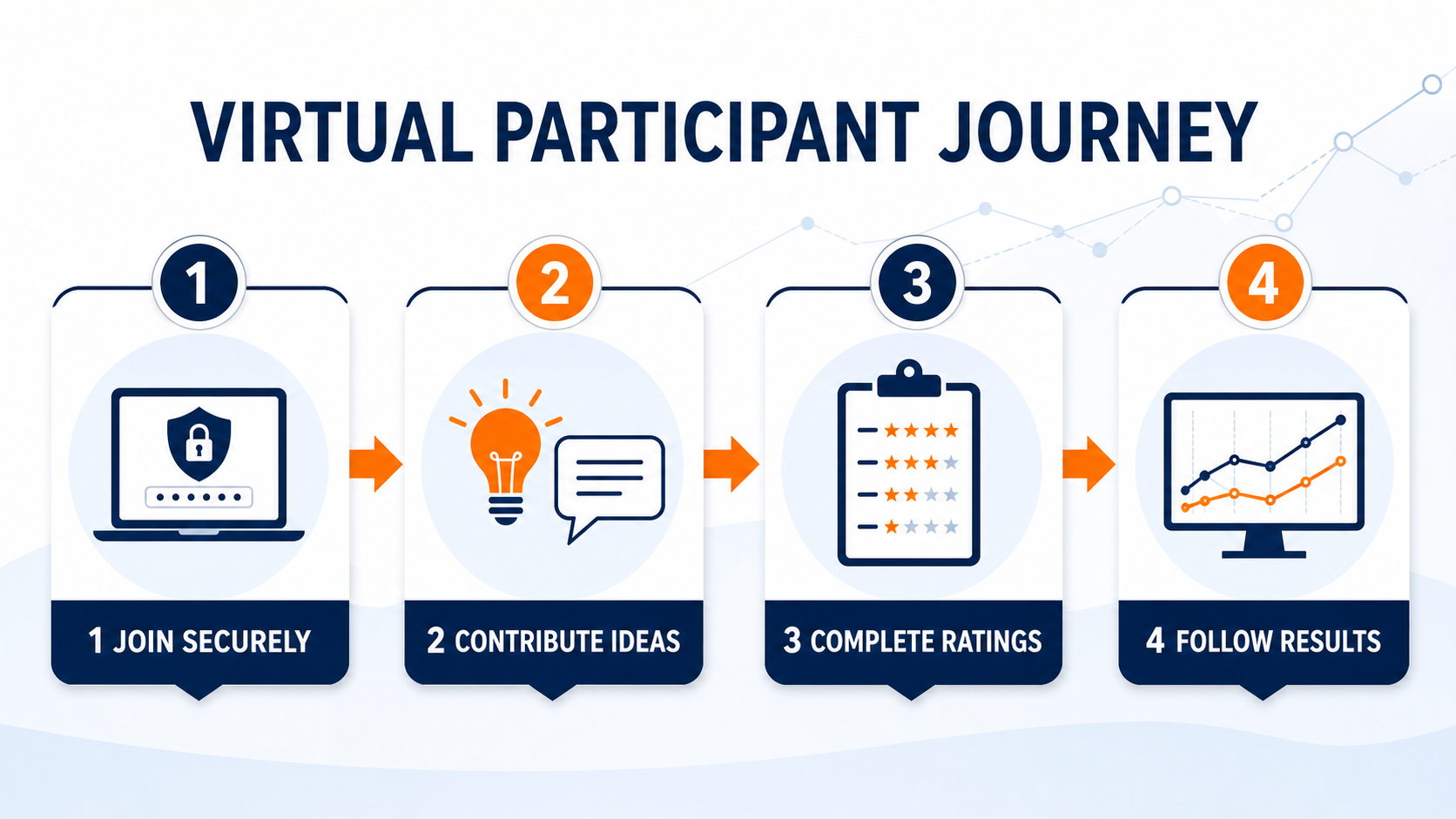
Get started
- Open the secure invitation email sent for your company’s Virtual Workshop. Do not begin from the public registration or purchase page.
- Select Create My Password if this is your first visit, then continue through the invitation link.
- Sign in with your own account; never share password or invitation links.
- Open My Strategy Session.
- Use the Primer at any time for an example. It opens separately and does not change saved work.
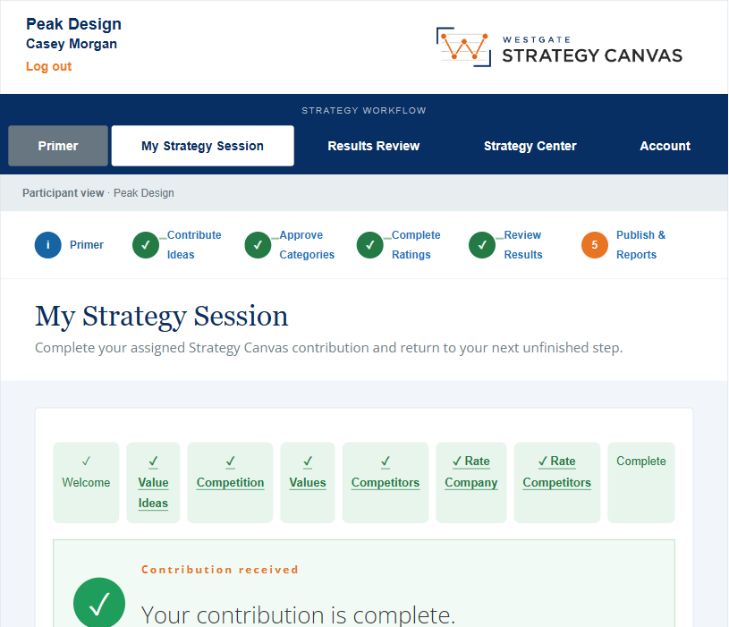
1. Contribute Ideas
Add ideas about what customers value, compare, notice, expect, or find frustrating. Think beyond product features and consider the complete customer decision and experience.
Include the different ways customers might solve the problem: named competitors, other provider types, internal staff, freelancers or fractional specialists, self-service tools, and choosing to do nothing. Save as you work and submit only when complete.
2. Wait for Facilitator review
After submission, your status changes to Waiting for Facilitator. The Facilitator waits for all participants, combines the ideas, and creates proposed Value Offerings and Competitive Groups. Your work remains saved, and direct email links return you to the correct workflow location.
3. Review categories and complete ratings
Review the approved Value Offerings and Competitive Groups. Look for missing customer considerations, overlapping categories, or groups that combine genuinely different alternatives. Then rate the company and every Competitive Group from 0 to 10 on every Value Offering.
- Rate what customers actually experience—not what the company intends.
- Use the full scale when appropriate.
- A lower score may reflect a deliberate strategic choice.
- Do not adjust ratings simply to make the company look better.
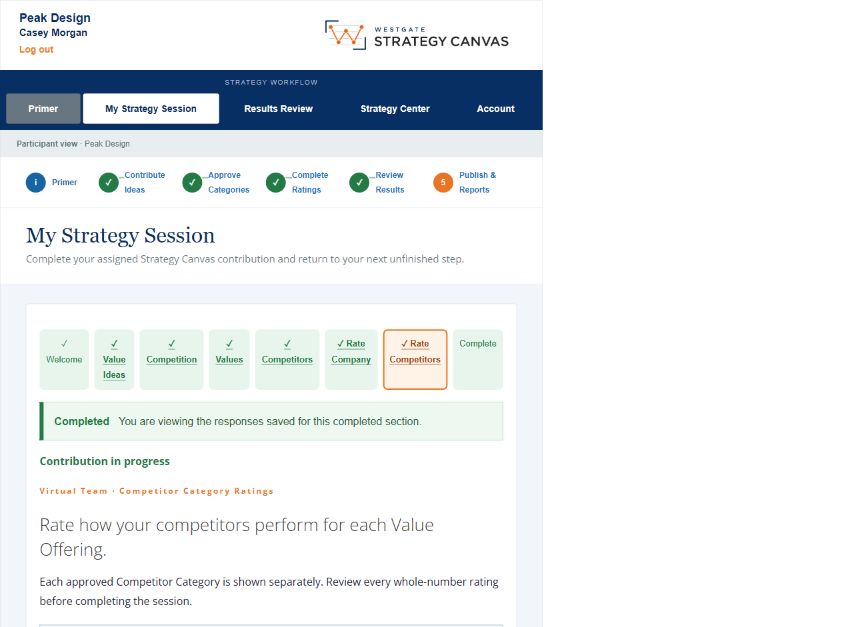
4. Submit and follow results
After submission, the Facilitator is notified. You may receive a reminder for incomplete work or a specific revision request. Use the workflow tracker and Strategy Center to see whether the Canvas is being reviewed, approved, or published.
Draft and final deliverables
After Facilitator Results Review, available draft Canvas materials can be previewed before final publication. The final Strategy Report is released only after the Company Facilitator reviews and accepts the draft; participants are then notified.
Participant checklist
- I used my own secure login.
- I contributed independent customer and competitive observations.
- I completed every required rating.
- I reviewed my work before submitting.
- I responded to requested revisions.
- I understand that the Facilitator controls company approval and publication.
Your Deliverable
Once the Strategy Canvas is submitted, Westgate Marketing conducts comprehensive market and competitive research, analyzes the approved Canvas and workshop evidence, and compiles the findings into a Strategy Report, Insights and Action Plan. The Company Facilitator reviews the draft before publication, and participants receive access after it is approved.